

Tightknit Release Notes (Sept 3, 2026)


🖼️ Square Event Cover Images
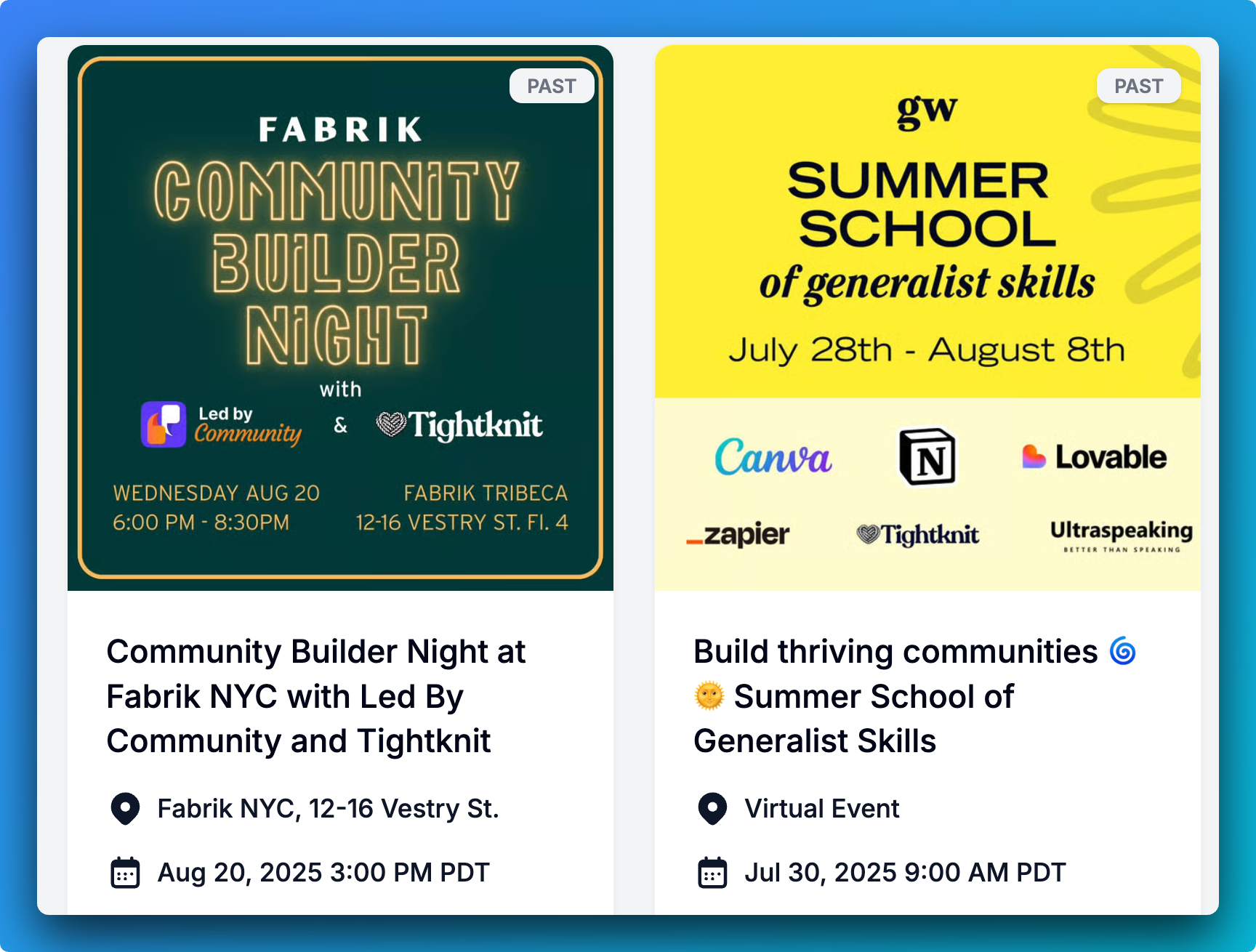
Your community site branding now supports square (1:1) Event cover images, or wide (classic 16:9) cover images. The cover image will reflect the chosen aspect ratio in the event card, timeline, detail page, and embed components. You can find this setting in your branding sets, through the MCP branding set tools or in the Studio under Website > Branding. We know the Luma fans out there have been excited for this one! ⚠️ The event image branding affects all events on your site. If you previously used wide cover images, they will be stretched to fit the square container and may be cropped on the sides.
📊 Poll Results As Native Slack Charts
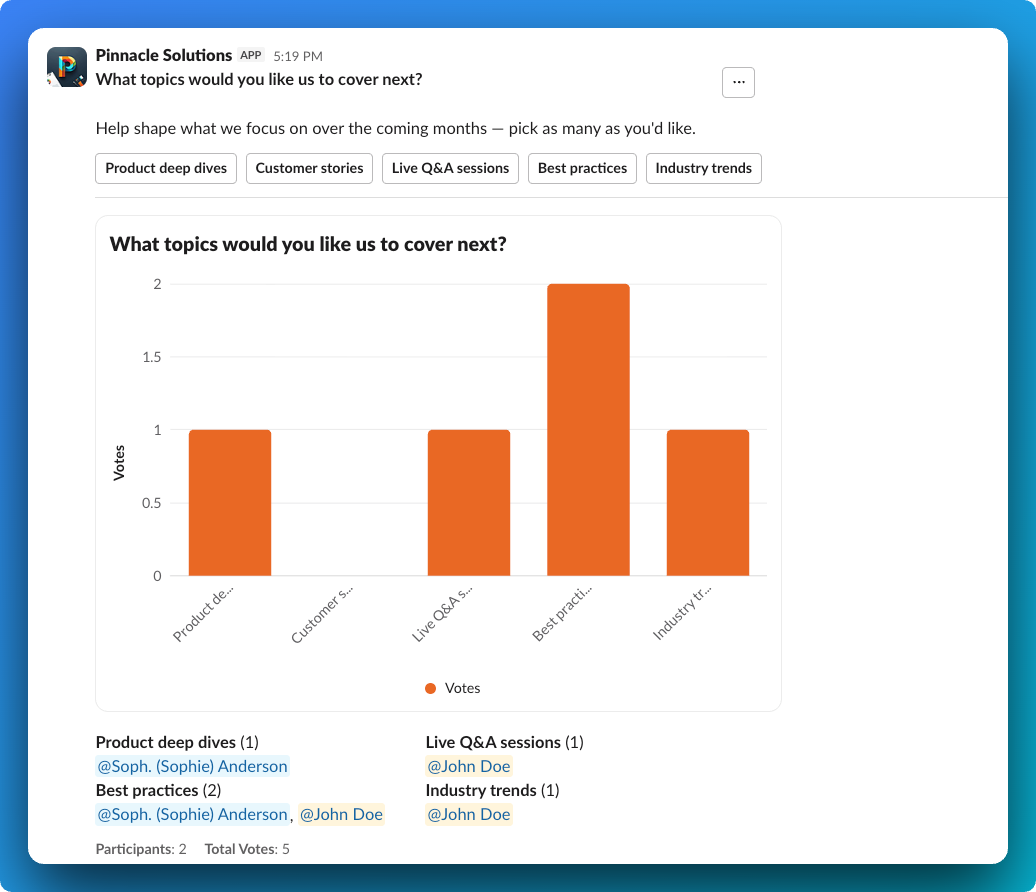
Poll results can now render as the  fancy new Slack bar or pie charts, instead of our classic text-based bars. Choose the Slack bar chart or Slack pie chart when you create a poll from Slack, Studio or the MCP, and the chart updates live as votes come in. Note that polls using Slack charts have stricter option limitations: up to a max of 12 options with 20 characters or less for labels.
🛠️ Improvements and Fixes Community Site
Bugfix: Home feed tiles refresh after Slack channel updates - Editing a channel's description or topic in Slack now shows up on the community home page.
Clearer SSO sign-in errors - When an identity provider sends a malformed email claim, the sign-in error now names that reason instead of a generic authentication failure.
Bugfix: Mobile navigation no longer scrolls the page behind it - Swiping over the mobile navigation overlay now scrolls the menu itself, not the page underneath.
Studio
Site pages open in a nested page nav - Site is now a single sidebar link that opens its subpages in a nested navigation.
Custom font upload dialog reworked - Improved UI for detected weight and style as editable values.
Bugfix: Members sort by their real join date - Sorting the member list by Join Date now uses each member's Slack join date rather than the import date, and the column shows the same value it sorts on.
Chart granularity matches the selected range - Analytics no longer offers a Monthly view for a Last 4 weeks window, so the default view opens with a daily breakdown instead of one or two points.
Slack
Sync disclosure posted when a public channel is reactivated - Reactivating a channel whose feed is already public now posts the sync notice in the channel, so members see when public syncing resumes.
MCP
Manage feed members - The new list_feed_members, add_feed_members and remove_feed_member tools let agents read and change who can access a members-only feed.
Manage the site banner - The new get_site_banner and manage_site_banner tools read and update the community site's announcement banner, including clearing it.
Reorder collections and resources - The new reorder_content_collections and reorder_content_resources tools set the full order of the content library in one call.
Ask which groups a member belongs to - The new list_group_memberships tool answers which groups a member is in, or who is in a group, in one paginated call.
Configure profile field visibility - The new list_profile_fields and edit_profile_field tools let agents mark Slack custom profile fields as public or featured on the community site without opening Studio.
Tag resources and link tag groups to collections - The new set_content_resource_tags and set_content_collection_tag_groups tools replace a resource's tags or a collection's tag groups in one call, and listings now include tags, collection ids and linked tag groups.
Richer member and list filters - list_members now accepts status, role, bot, team membership, join date and profile source filters plus sorting. list_events can span every status and returns registrant counts, list_event_attendees can exclude hosts and speakers, and post and comment search can sort by date.
Event registration flags are validated - create_event and edit_event now reject a registration link without a registration button, matching the Slack modal, and say which field to fix.
Community analytics - The new get_community_analytics tool returns message counts, active members, engagement metrics and engagement distribution over a chosen window, the same numbers Studio shows.