

Tightknit Release Notes (Oct 28, 2026)

📣 Message Blasting from the MCP
📣 Message Blasting from the MCP
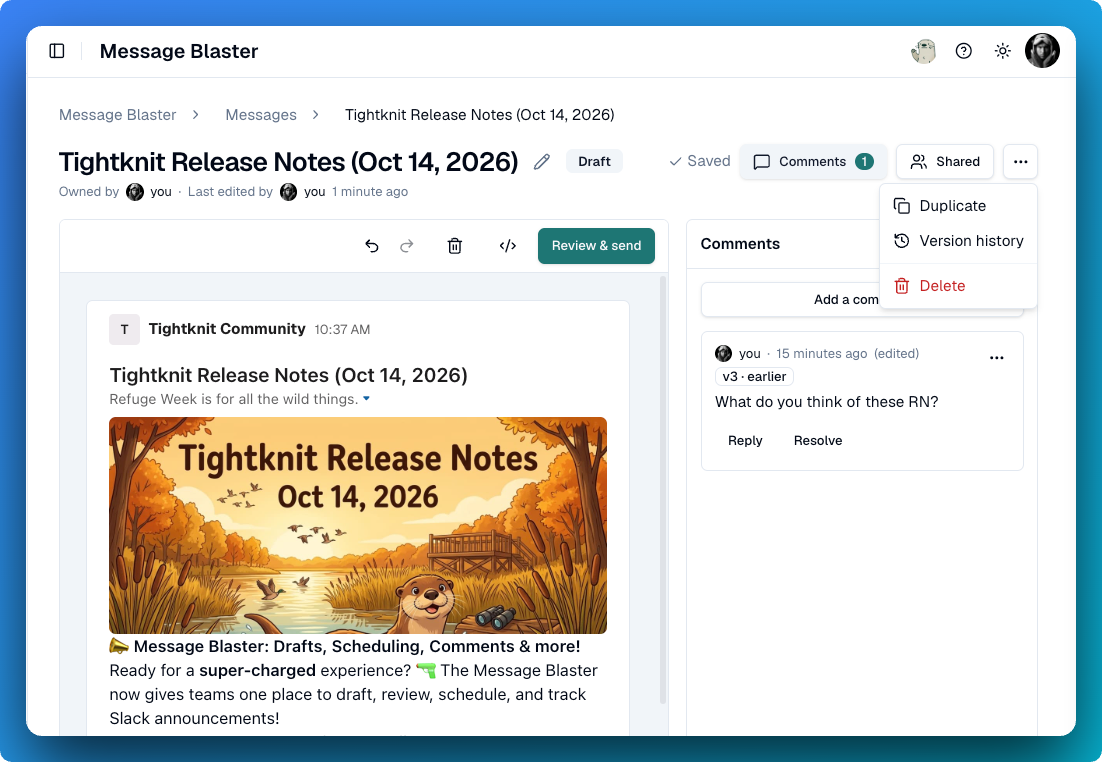
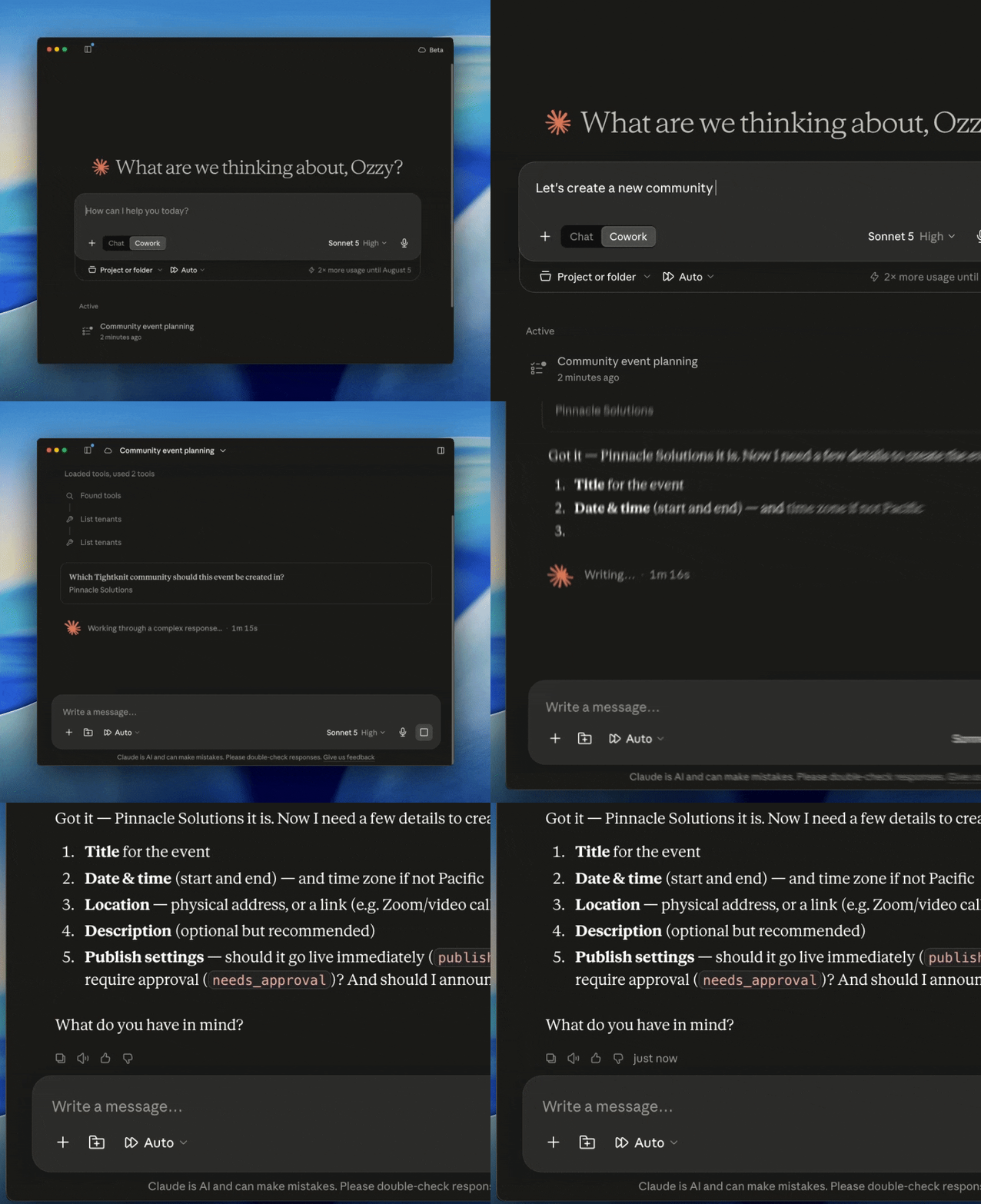
Your AI assistant can now run the Message Blaster using the MCP. Ask your assistant of choice to draft an announcement, share it with your team for comments, then schedule or send it to Slack channels and DMs. It can also read and edit messages the Tightknit app already posted in public channels. P.S. I used the MCP to draft and send this message!
🚀 Improvements
🚀 Improvements
Community Site
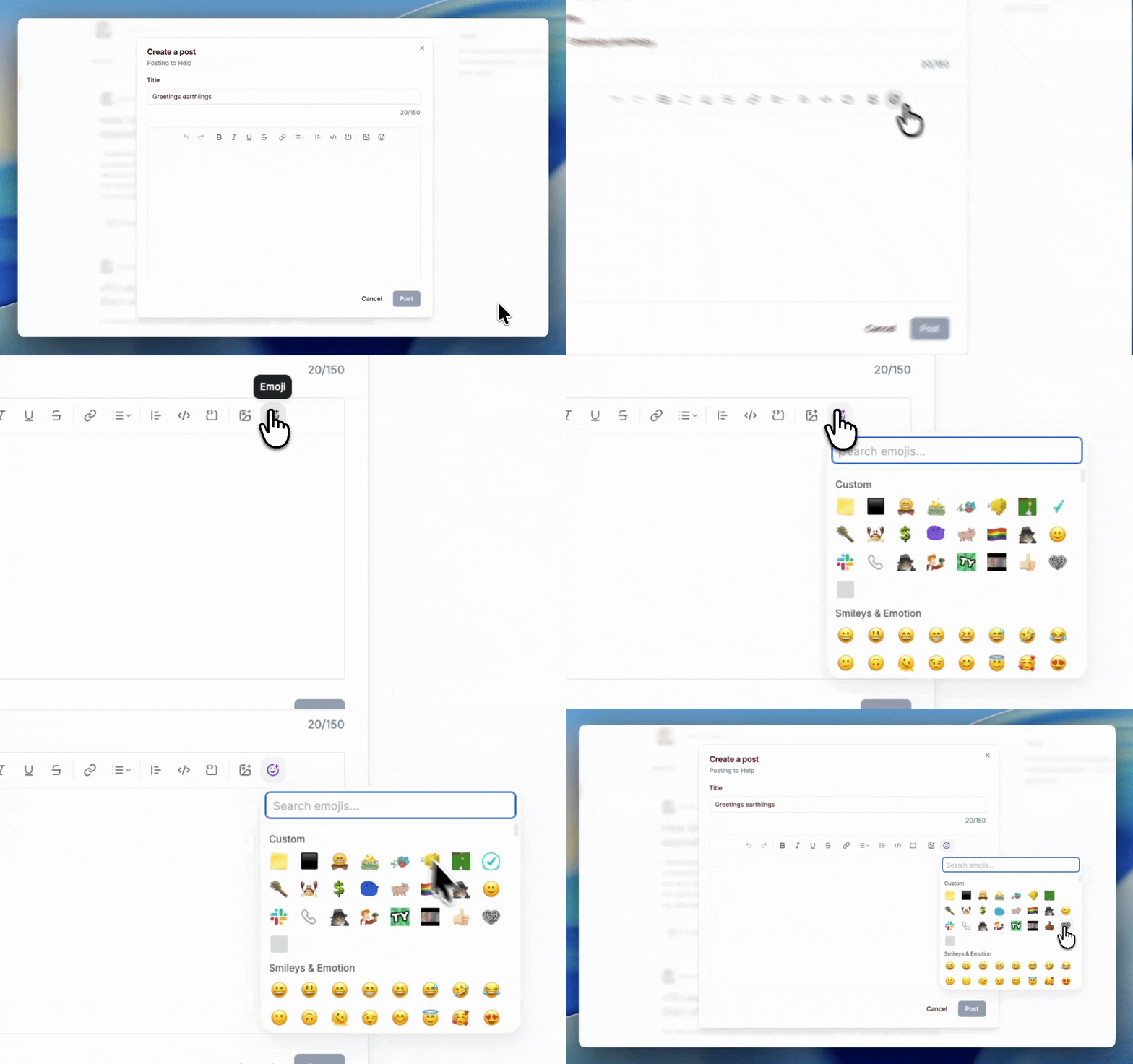
Slack GIFs show on the community site - GIFs sent with Slack's GIF picker and GIPHY's now appear on posts synced to the site.
Join button is now the primary button - The call to action button in the header is now the primary header button, with Log In as the secondary button.
Links in the announcement banners - The site banner now supports links and basic rich text formatting.
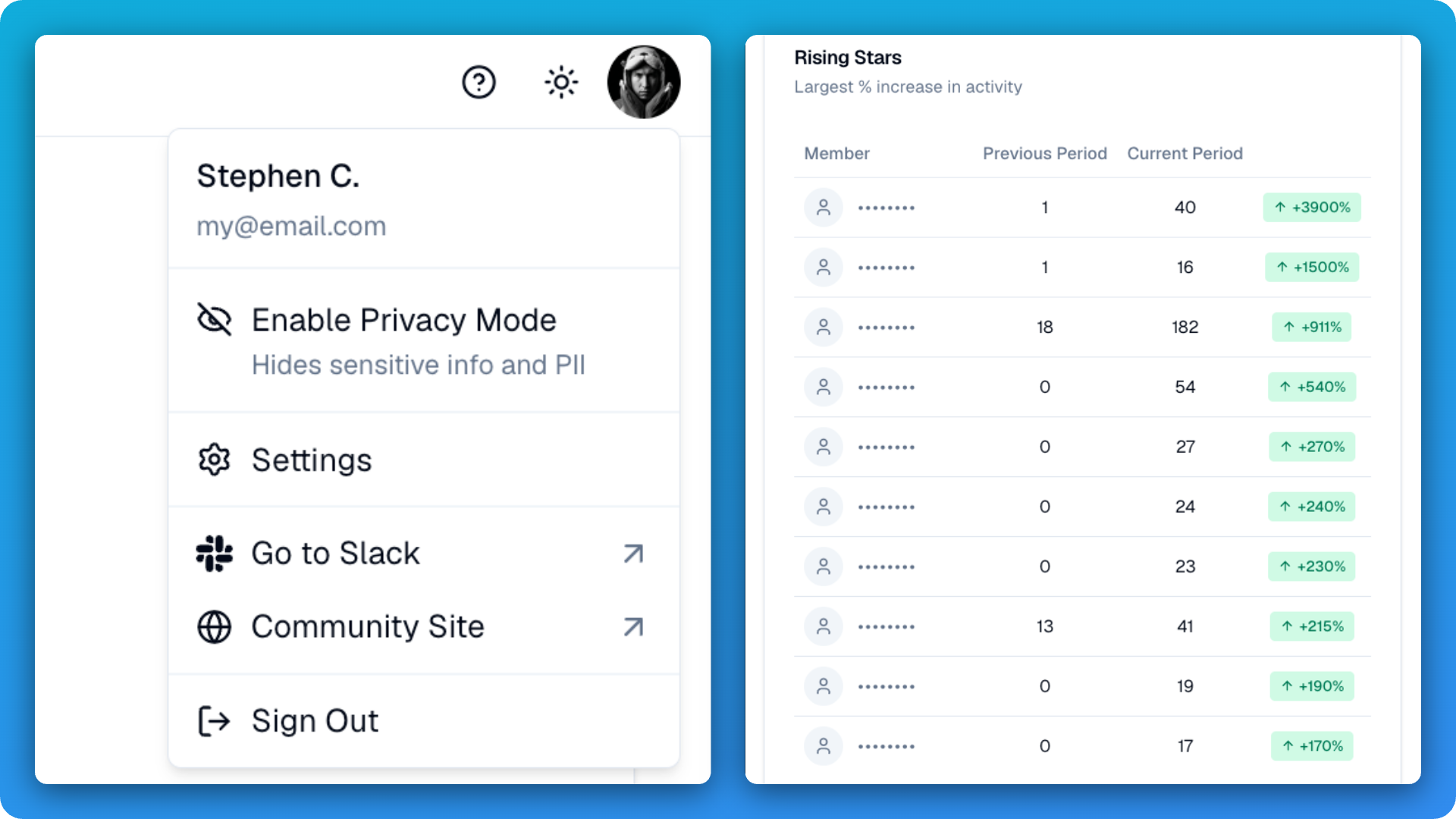
Open members in Studio from the site - Admins see an Open in Studio link on member profiles, so they can act on a member right away.
Sign-in method alerts - Members get an email when a sign-in method is connected to or removed from their account.
Studio
Remove event registrants - Admins can now remove someone they registered for an event by mistake. Hosts and speakers keep their roles.
See how pages look in search - Discussion, member and event pages now show a Search Appearance card with a preview and a link to test it in Google.
Pick Slack Connect workspaces by name (Enterprise add-on) - Choose allowlisted Slack Connect workspaces from a searchable list.
Red Hat Display branding font - Red Hat Display is now a supported font family in branding sets.
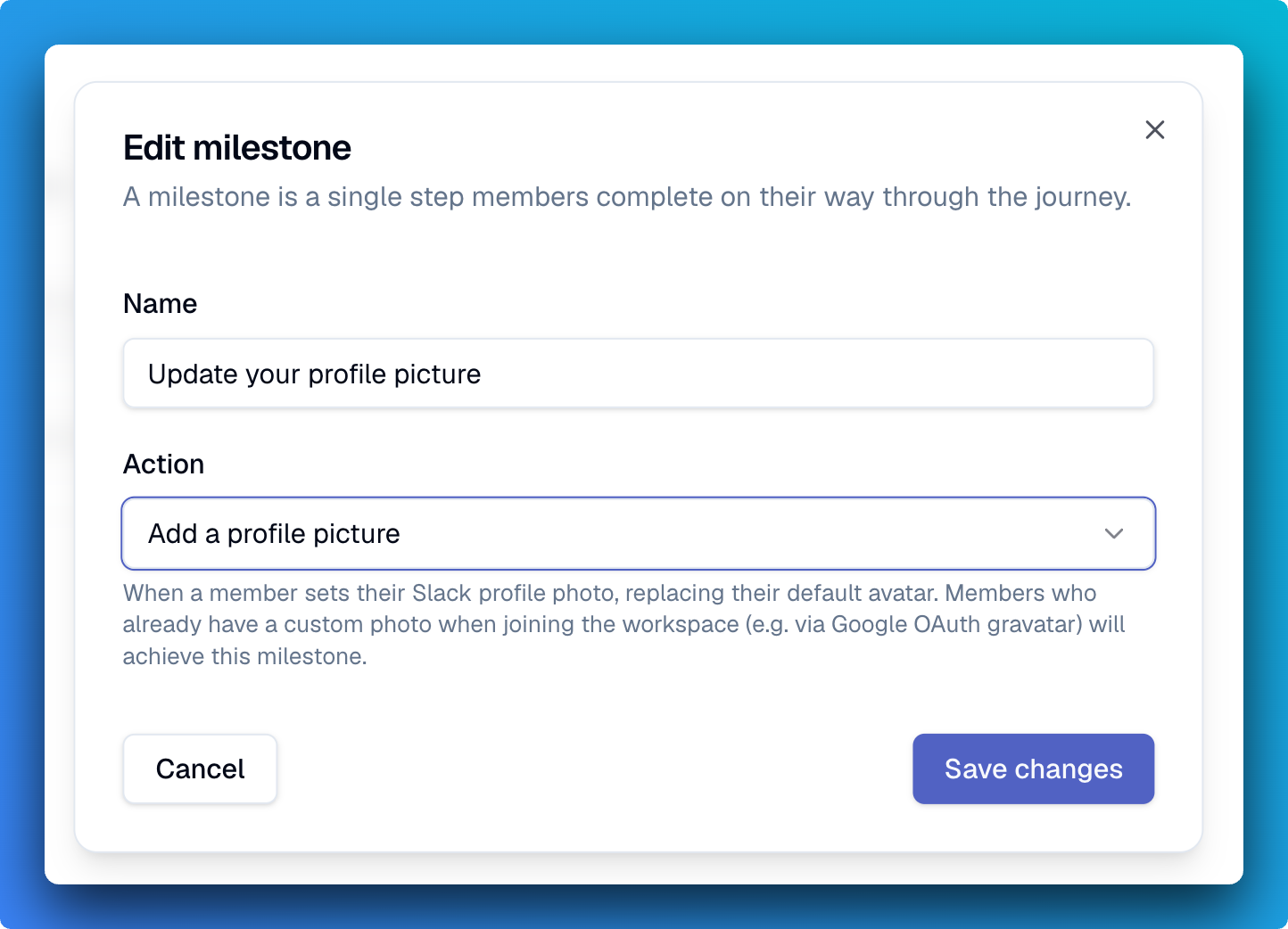
Message Blaster: drag-and-drop images - Drop an image into the composer to upload it for use in your messages rather than requiring a URL.
Self-serve token SSO (Enterprise add-on) - Set up token (JWT) single sign-on yourself in Studio and choose whether each provider shows on the login page. Enterprise communities can also add email domain aliases, so members with a second company domain sign in to the same account.
MCP
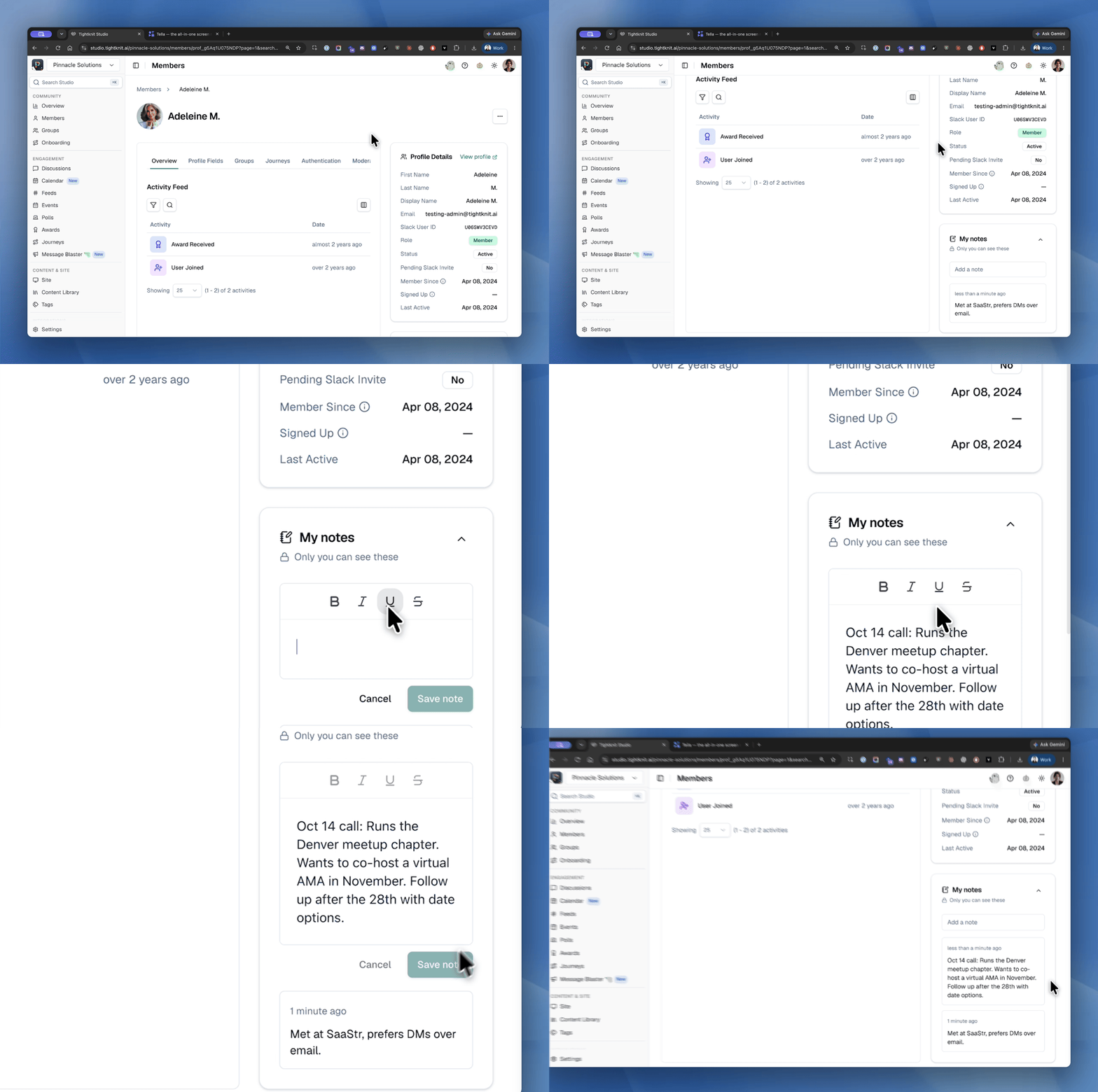
Member notes - Agents can now read and manage your private notes on members.
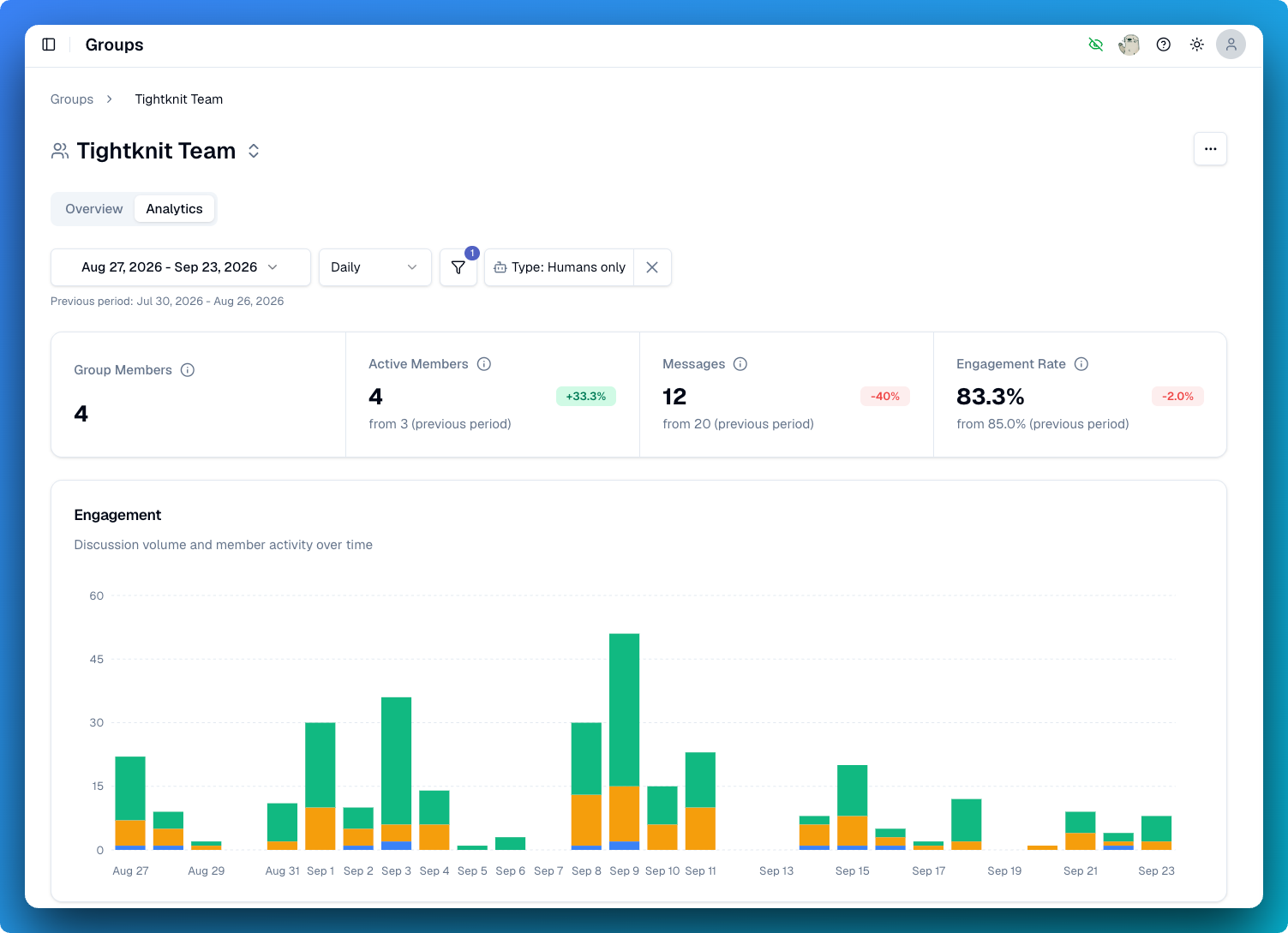
Top members and channels - get_community_analytics now returns your most active members and busiest channels.
Add members to Slack channels - A new tool adds up to 100 members to a Slack channel.
🔧 Fixes
🔧 Fixes
Slack
A cancelled Slack invite no longer deactivates a member - Cancelling a pending Slack invitation leaves the member's community account active.
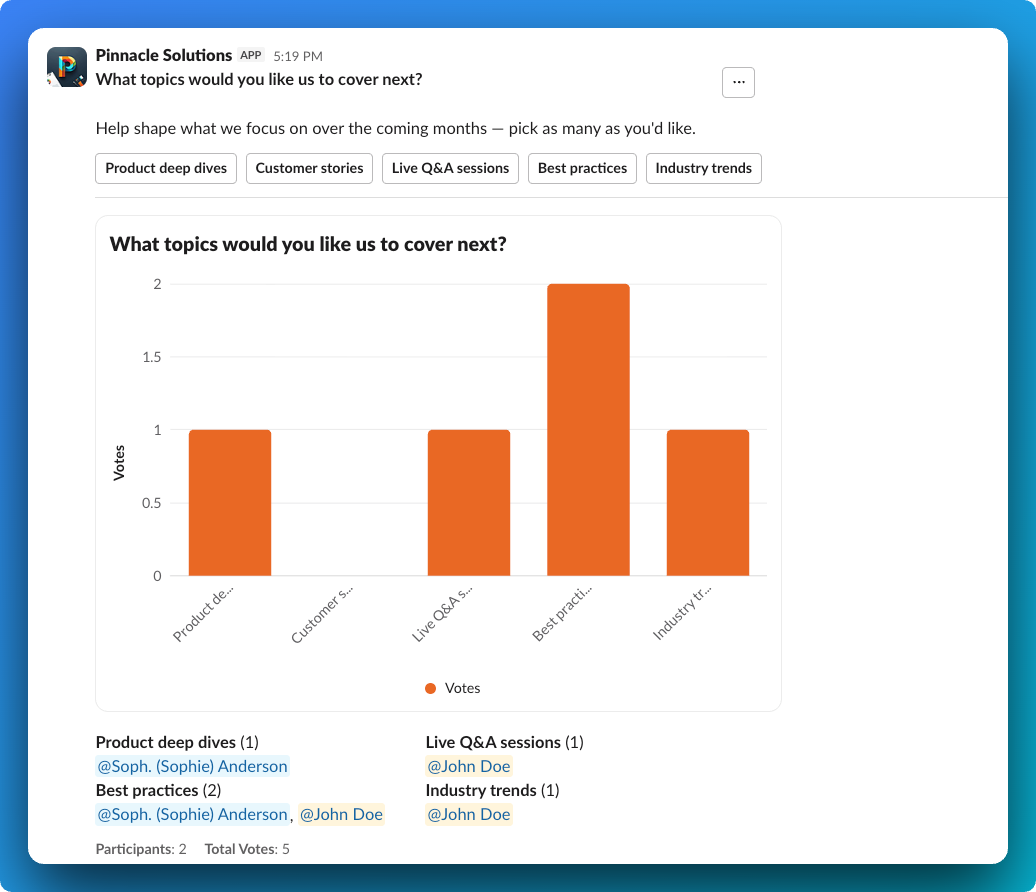
Chart poll results show in View Results - Chart polls now display their results in the View Results modal when using Slack chart visualizations.